HiveMinds Planner: Your Day, in One Calm Place
Project Overview
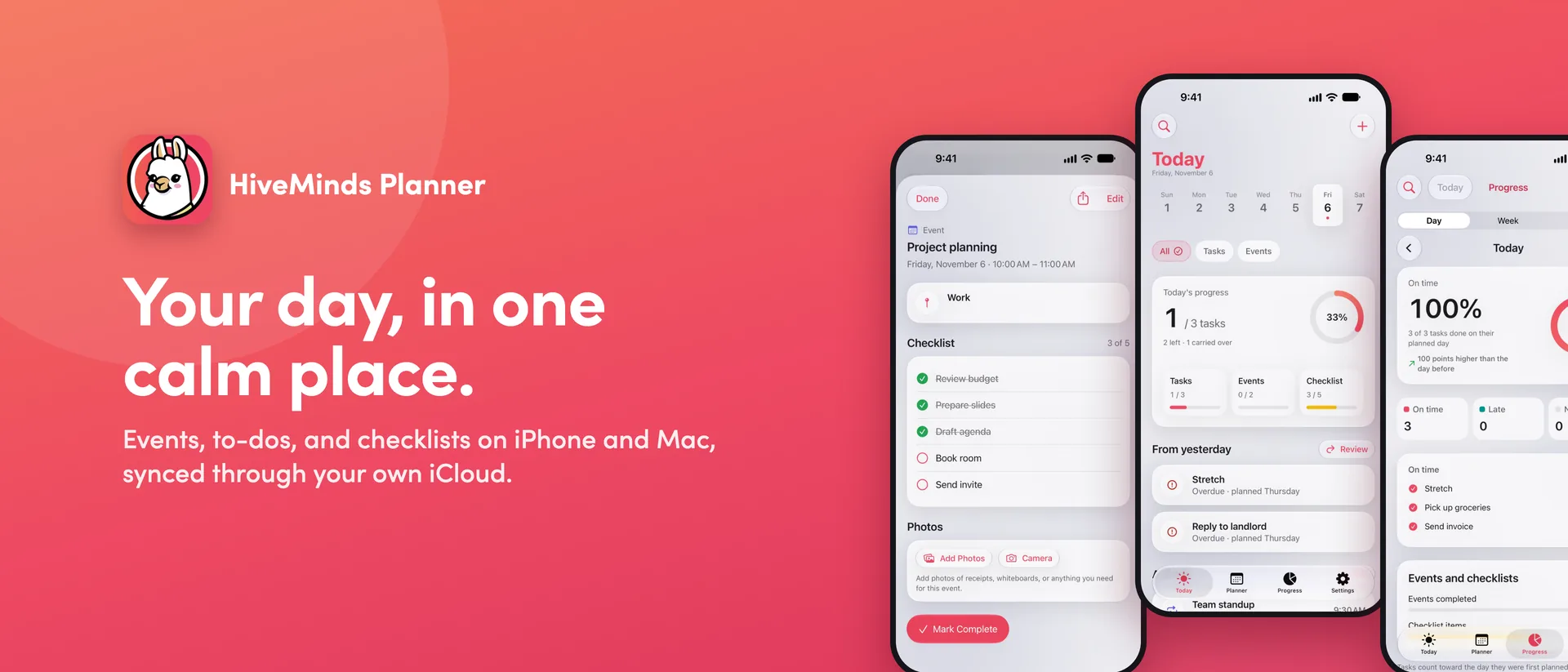
HiveMinds Planner is our own Apple app: a day planner that brings events, to-dos, and checklists together on iPhone, iPad, Mac, and Apple Watch. We designed and built it end to end, from the first sketches to the App Store listing, with one goal: a planner that feels calm, respects your privacy, and works the same way on every device you own.
Project Brief
Most planners make you choose: a calendar for events, a list app for to-dos, and somewhere else for the checklist that goes with a meeting. They often want an account, show ads, or track how you use them. We set out to build one app that holds all of it, answers "what's left today?" at a glance, and keeps every bit of data in the user's own iCloud.
-
What we built:
- Native apps for iPhone, iPad, and Mac, plus an Apple Watch companion
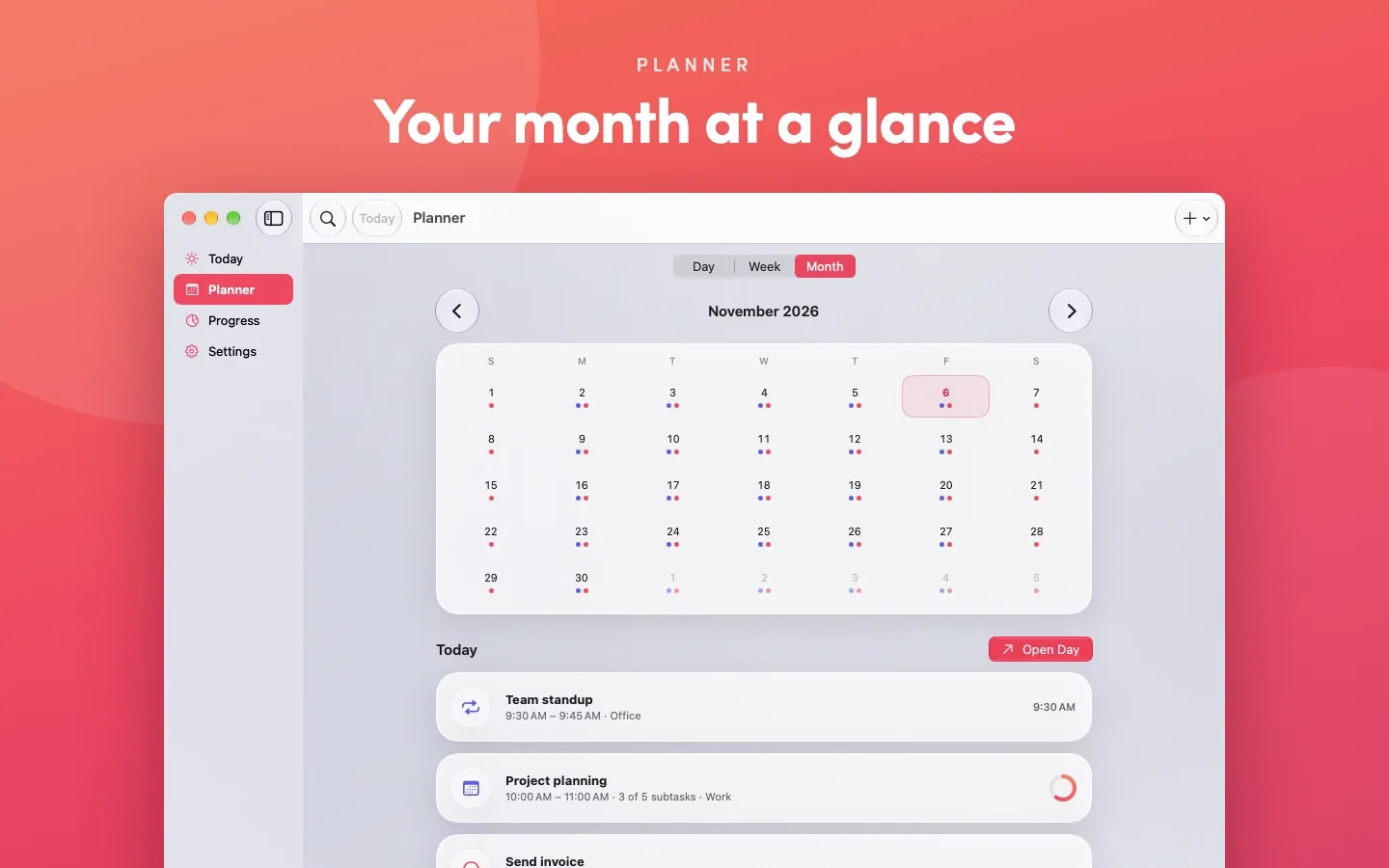
- Today, Planner (day, week, month), Progress, and Settings
- Events with checklists, photos, and locations; repeating tasks
- An end-of-day review where you choose what moves to tomorrow
- Celebrations, badges, and a perfect-day streak, with haptics and sound
- Jorge the Llama, an animated mascot for the welcome, launch, and celebrations
- App icons on iPhone that change to match the theme
- Widgets, Siri and Shortcuts, Spotlight search, and Face ID / Touch ID lock
- App Store screenshots, listing copy, and the product website
Your Whole Day on One Screen
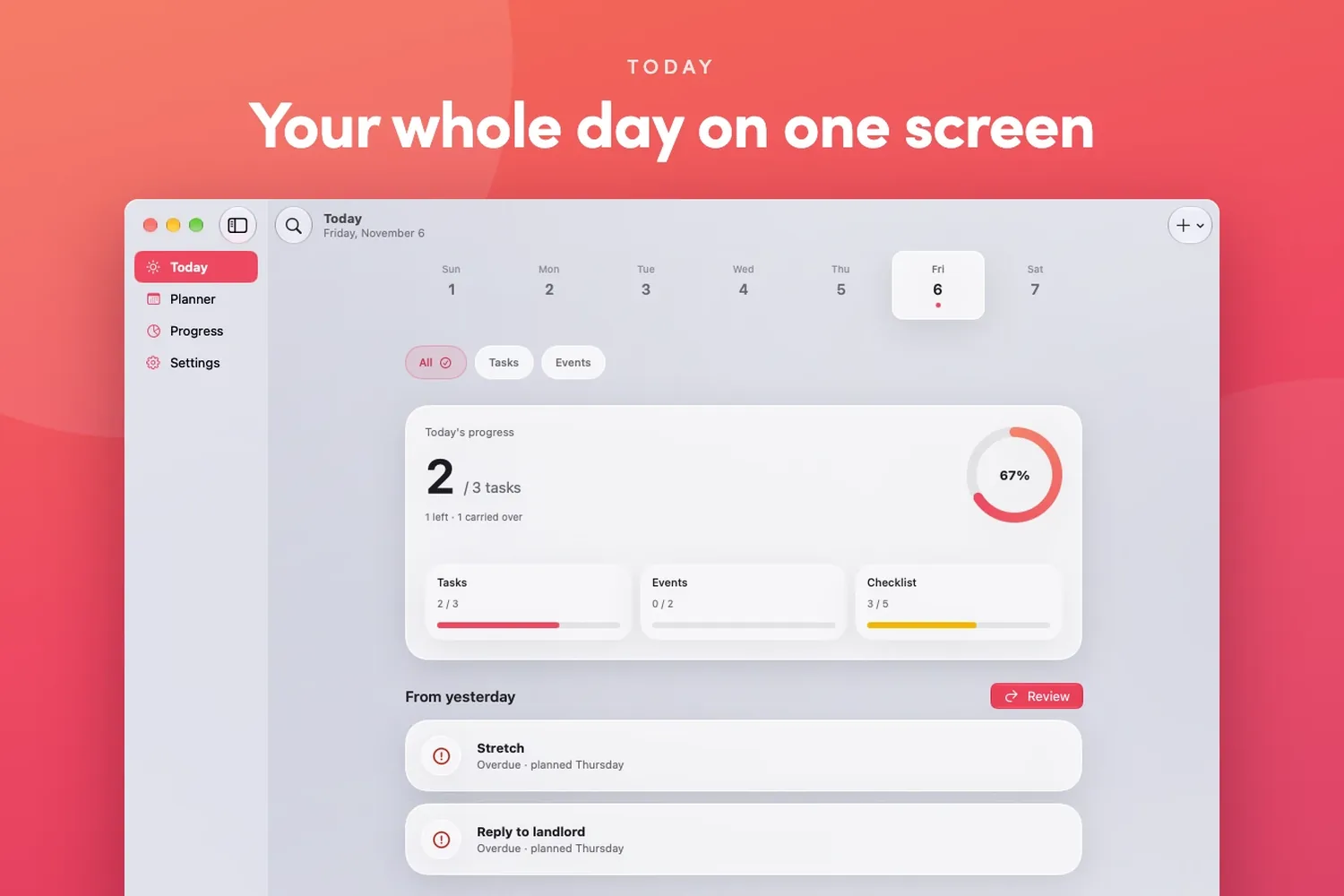
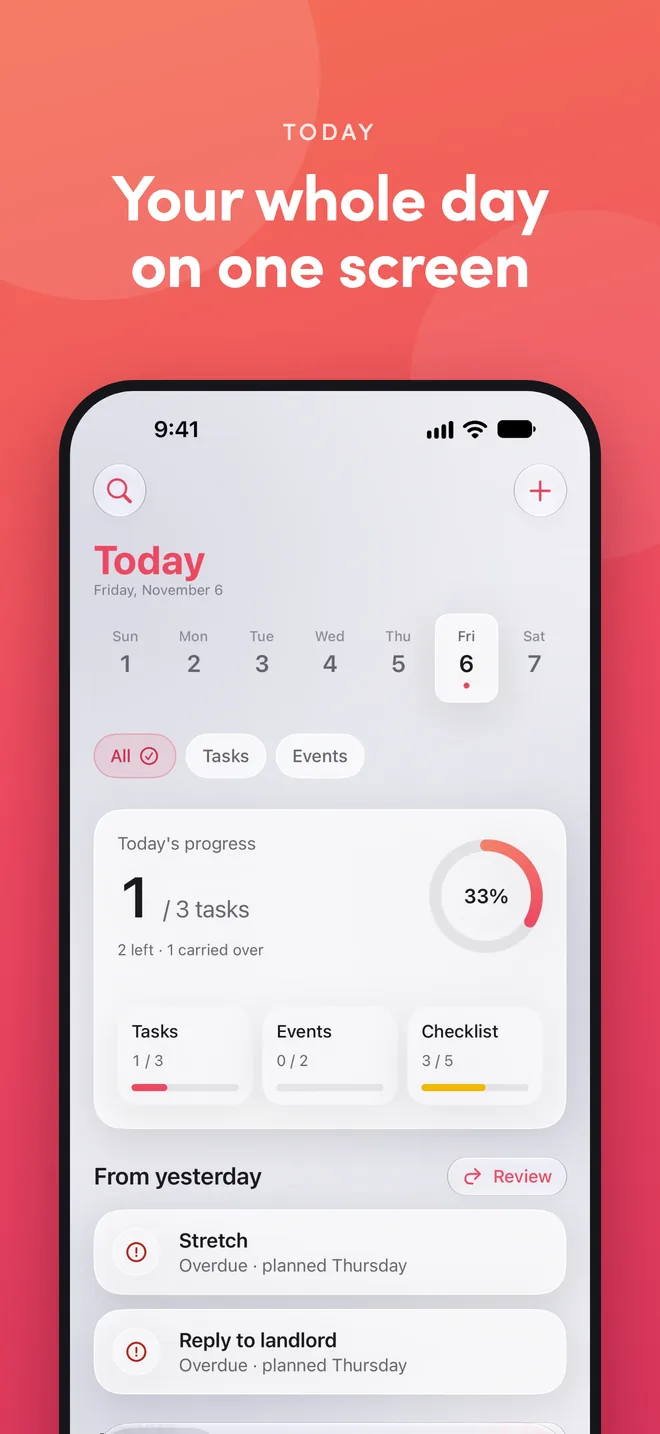
The Today screen shows what's scheduled, what's left to do, what's overdue, and what didn't get finished yesterday. Progress for tasks, events, and checklists sits right at the top, and a countdown shows how long until the next event starts.
Everything an Event Needs
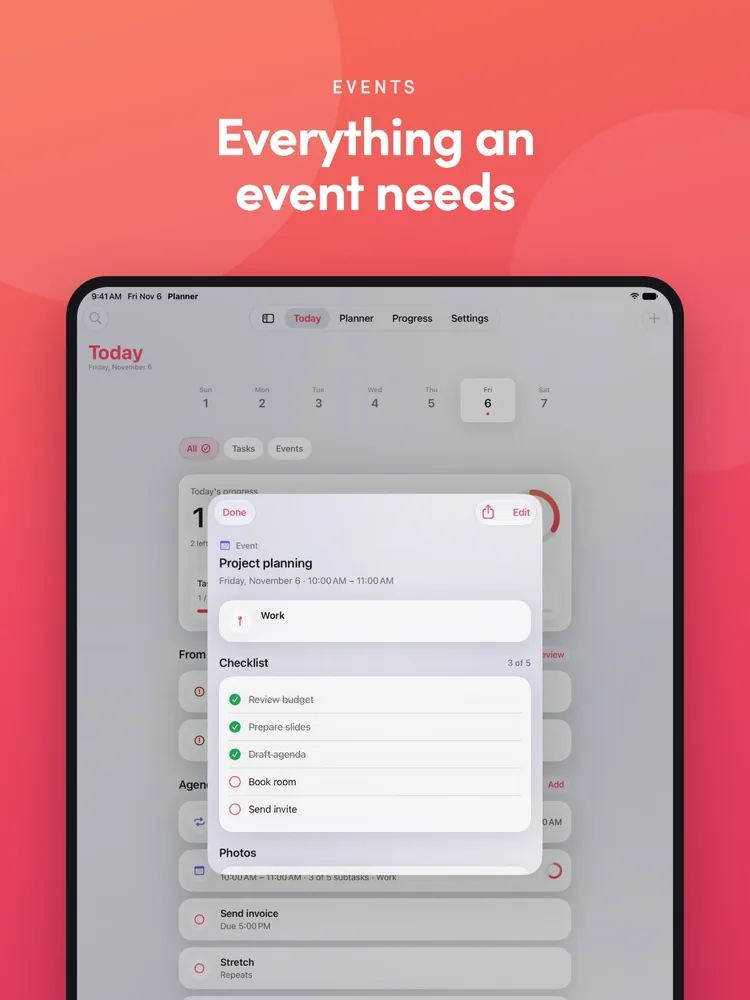
Each event carries its own checklist, photos with captions, and a location with directions and one tap to Maps. Repeating events keep a separate checklist for every occurrence, so finishing today's prep never touches next week's.
Progress You Can Trust
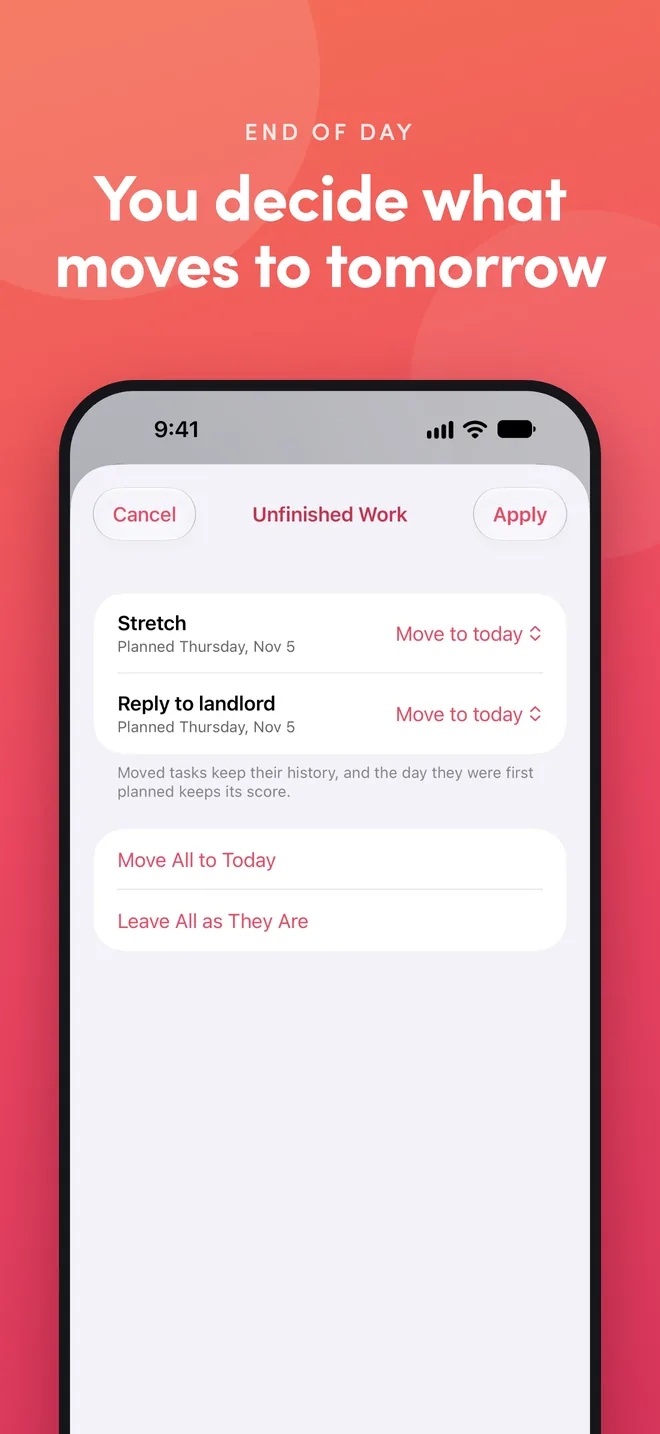
At the end of the day, the app asks which unfinished tasks should move to tomorrow, and nothing moves without the user's say. Daily, weekly, and monthly completion rates count on-time and late work separately, and moving a task never rewrites how an earlier day went.
Wins That Add Up
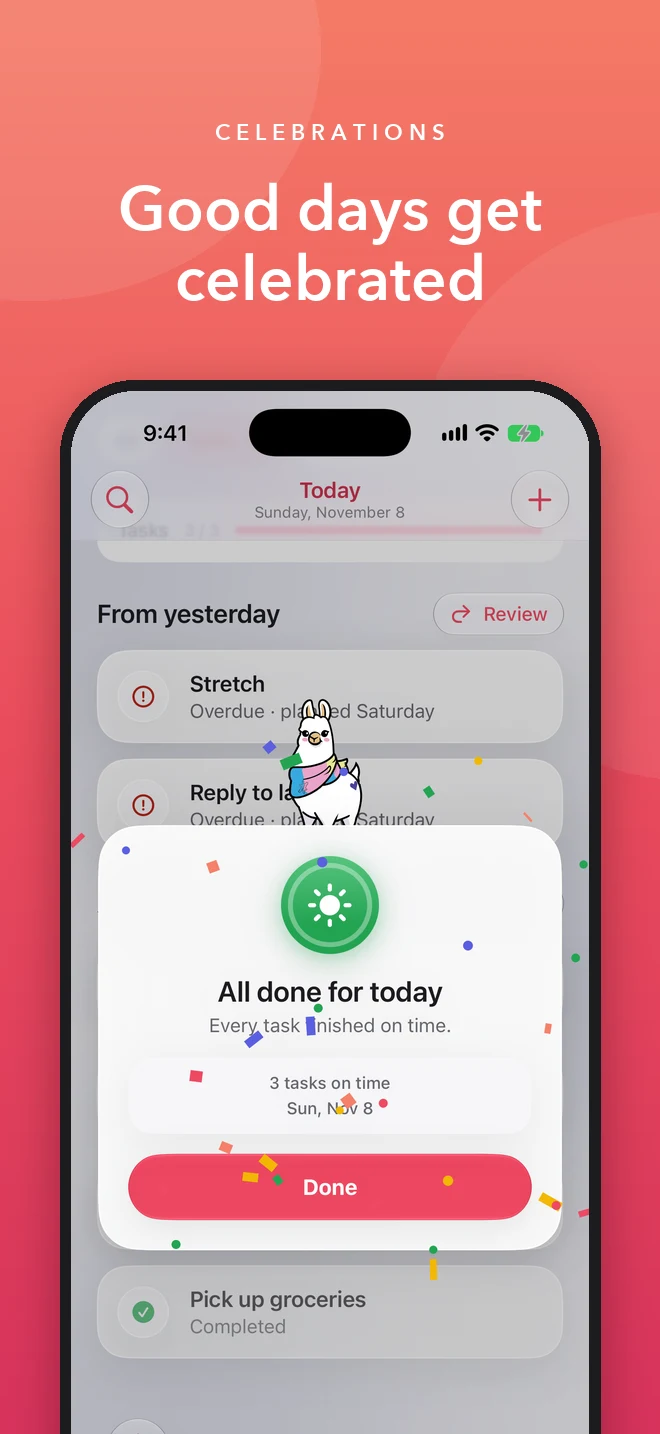
Celebrations come from the same scoring rules as Progress, so the app, its widgets, and Siri always agree on whether a day was perfect. A first task, a first event, and every perfect day, week, and month get confetti, a card, a haptic, and a short chime. Each win shows once across devices, catches up if it happened on a widget or another device, and stays on the Progress screen as a badge beside a perfect-day streak.
Meet Jorge the Llama
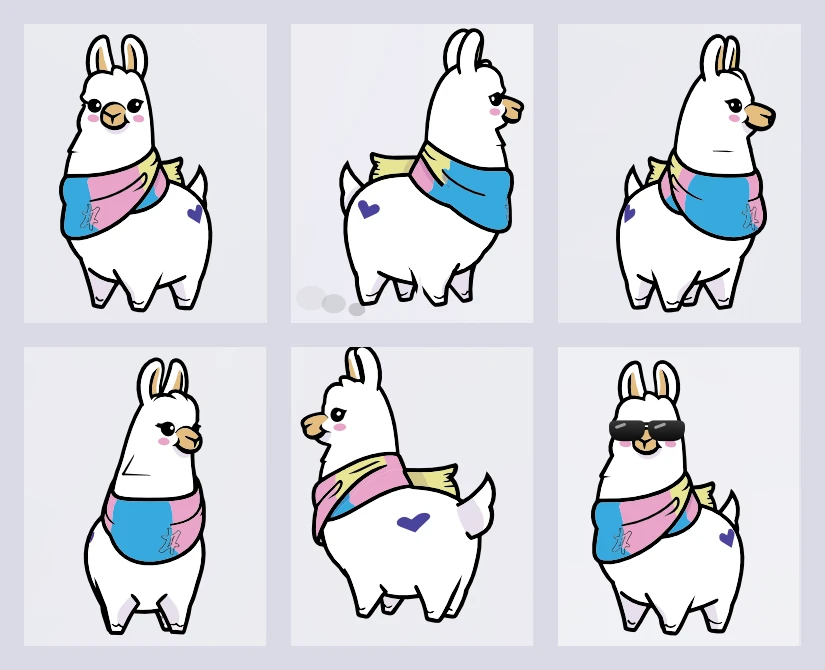
We gave the app a character. Jorge the Llama is drawn from 24 vector frames cut from an Illustrator turntable, so he can turn, trot, hop, peek, and put on sunglasses without a single bitmap. He welcomes new users, trots in place on launch while the app gets the day ready, then turns to sum it up in one line. He respects Reduce Motion and VoiceOver, and never shows behind App Lock.
One App, Every Apple Device
We designed each platform to feel native: a tab bar across the top on iPad, a sidebar on Mac, and a live countdown complication on Apple Watch. Home Screen, Lock Screen, and Desktop widgets keep the next event in view, and Siri can add items, say what's left today, or move an event to a new time.
Private by Design
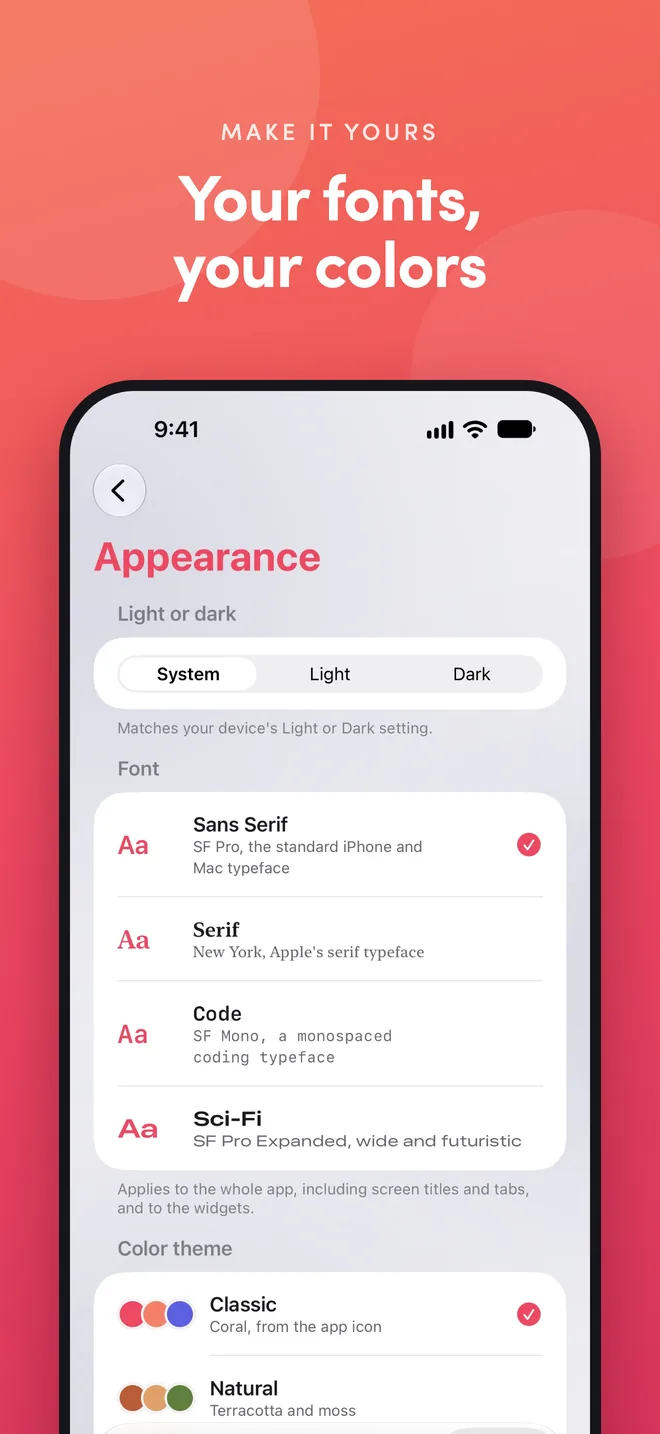
There's no sign-up and no server of ours in the loop. Each user's planner lives in their own iCloud account and syncs between their devices. The app can be locked with Face ID, Touch ID, or a passcode, and it shows no ads, runs no analytics, and collects no data. Users still make it their own with themes (each with a matching iPhone app icon), font styles, and a background photo.
Results
HiveMinds Planner shows what our team can ship for Apple platforms: native iPhone, iPad, Mac, and Apple Watch apps, a privacy-first architecture built on iCloud, character and motion design, and a complete App Store launch with screenshots, listing copy, and a product site. Have an app idea? We'd love to help you build it.
Explore More Work
Art DesignLogic Creativity
Imagination Unleashed
Sometimes, it’s refreshing to step back, stretch your legs, and create purely for the joy of it. Here’s a look at some of our passion-driven creative work — no deadlines, just imagination.
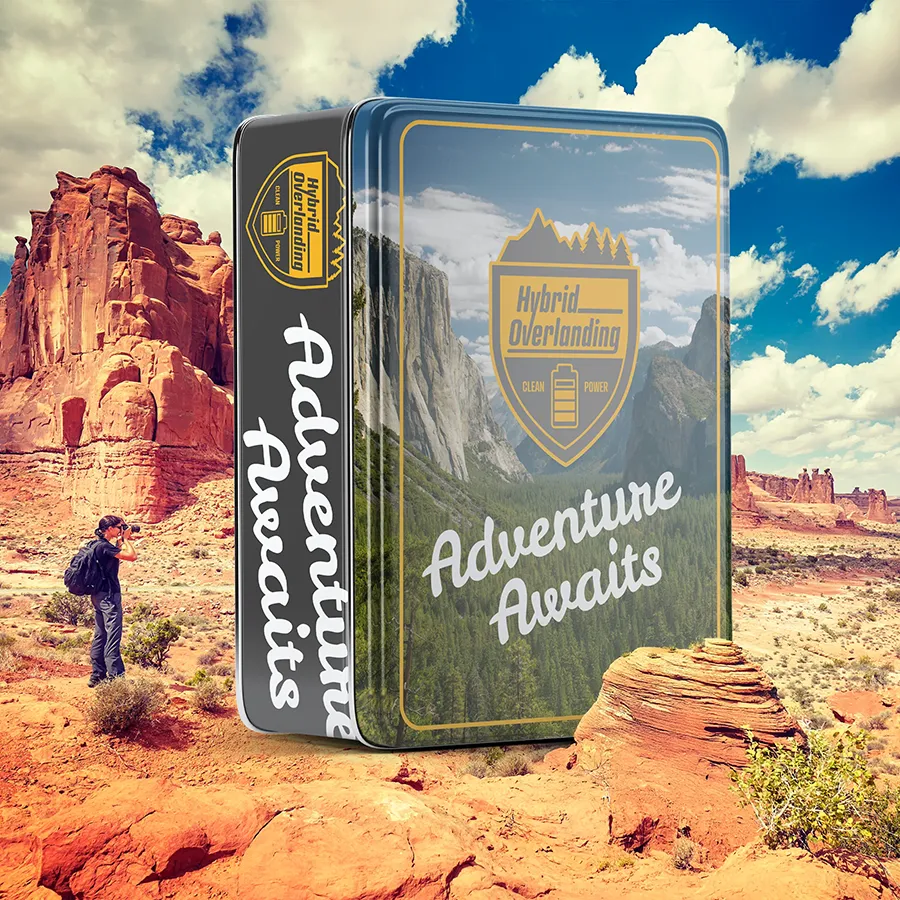
Logo Design Branding Multi Clients
Strategic Logos that Set the Stage for Your Brand Story
A logo is the start of a good brand because it creates the first impression, communicates identity, and sets the tone for all visual and emotional connections that follow.
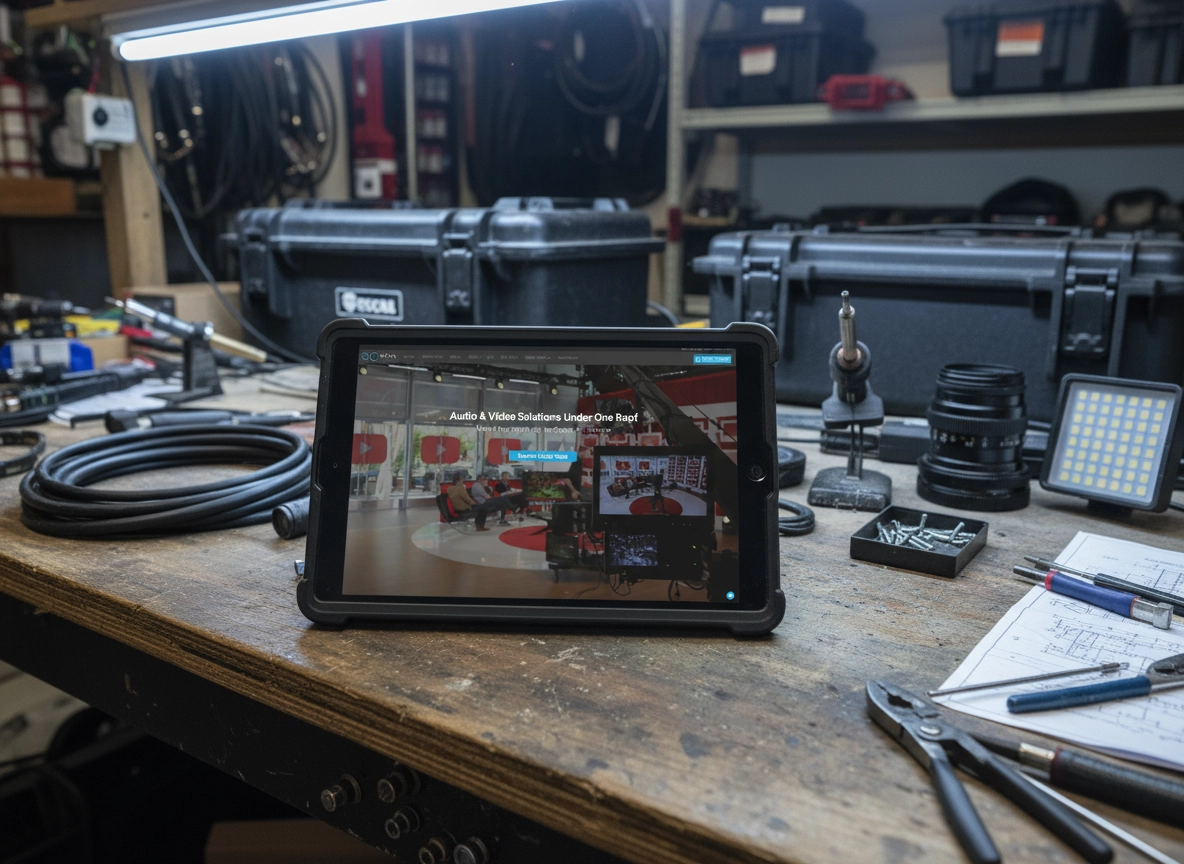
Website Design Visual Identity Branding
SoCal Production Website
SoCal Productions sought to overhaul its online presence with a modern website that captured the breadth of its audio and video rental inventory.
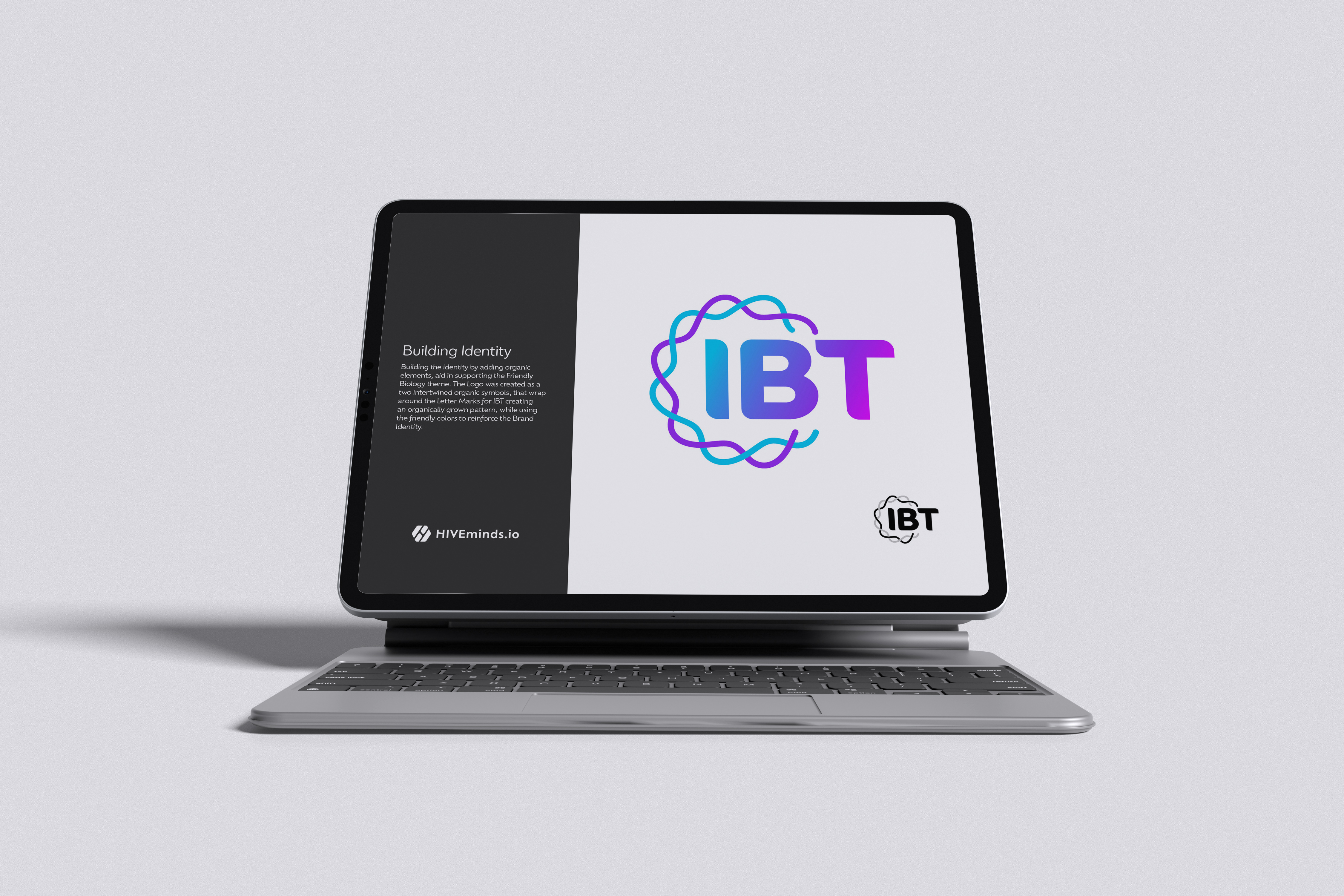
Style Guide Visual Identity
Innovative BioTherapies Style Guide
Innovative BioTherapies, Inc. (IBT), is a for profit company founded in 2003, by Dr. H. David Humes, Professor of Medicine at the University of Michigan, to facilitate the commercialization of technology developed in his academic laboratory.