HiveMinds Planner
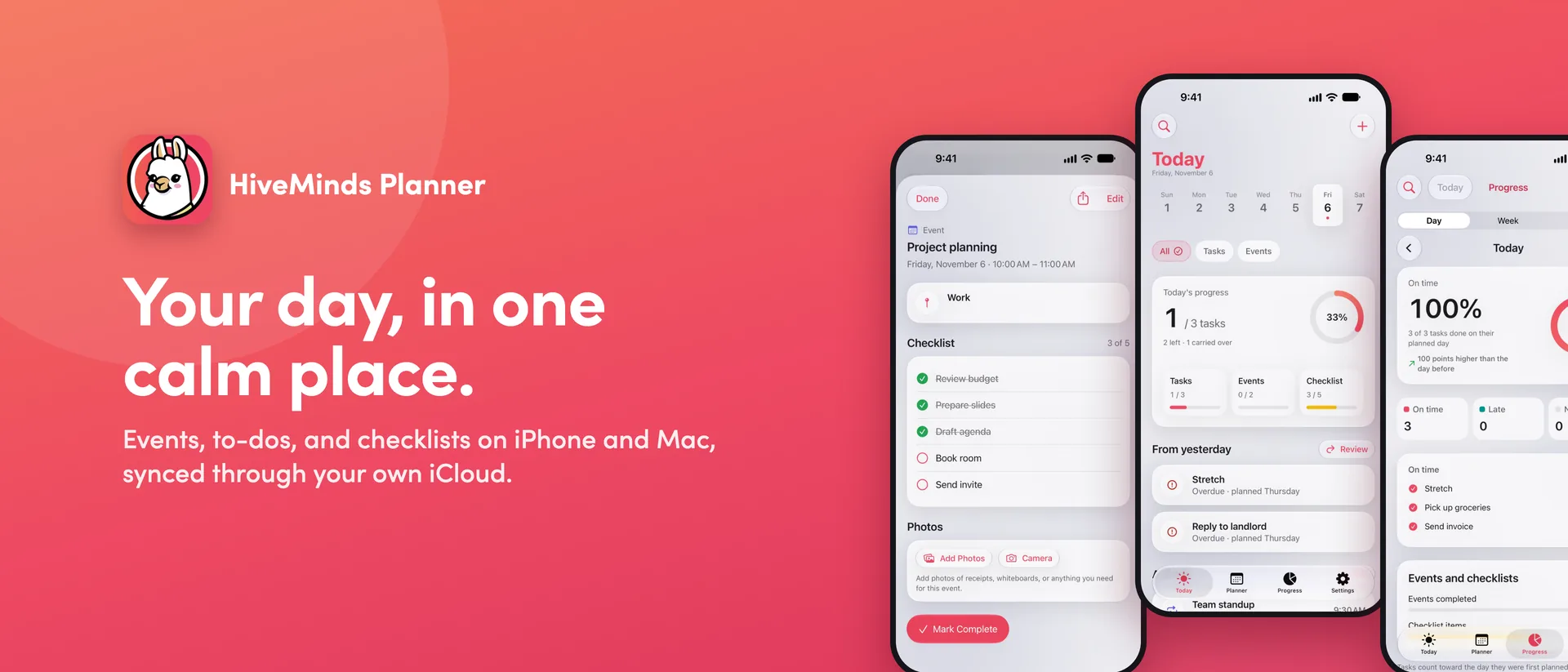
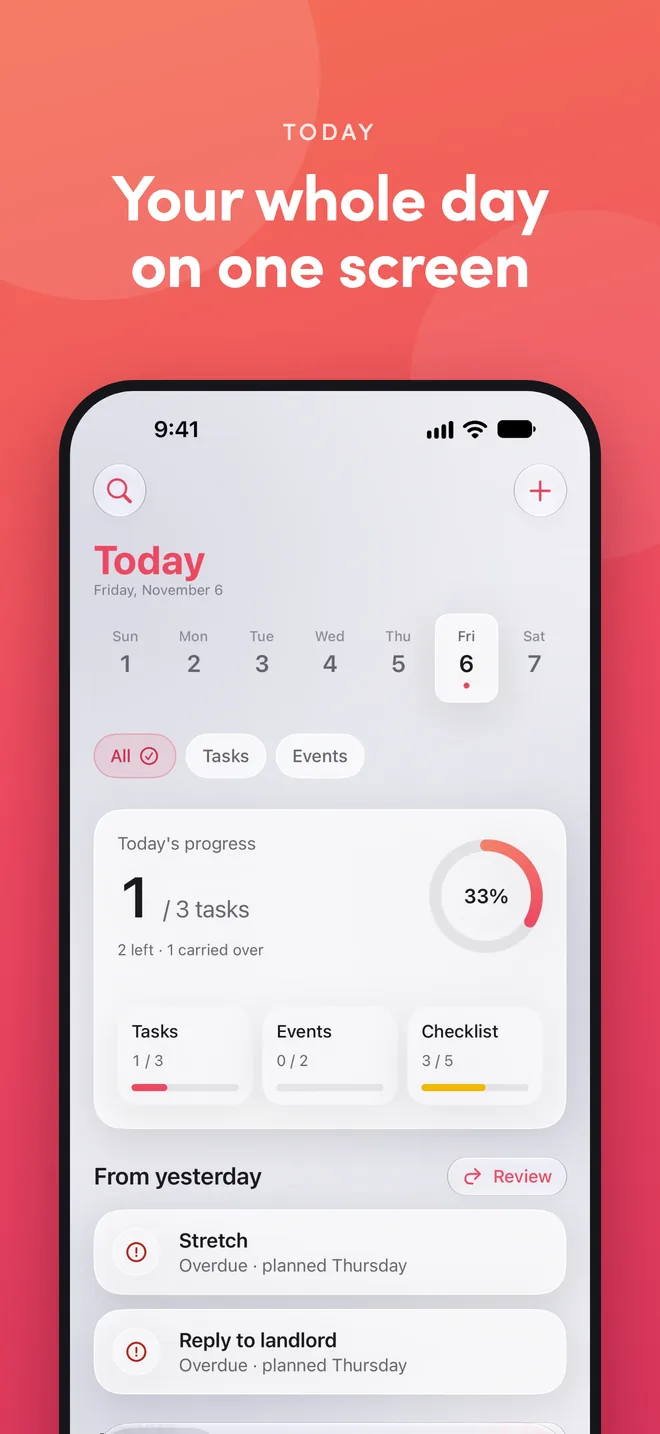
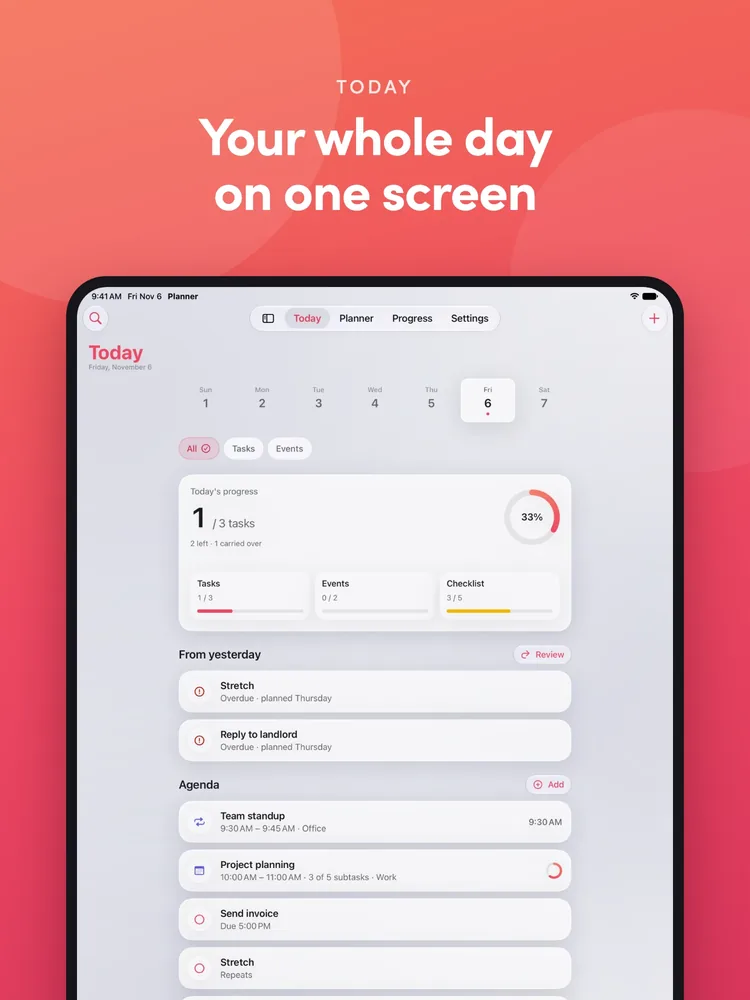
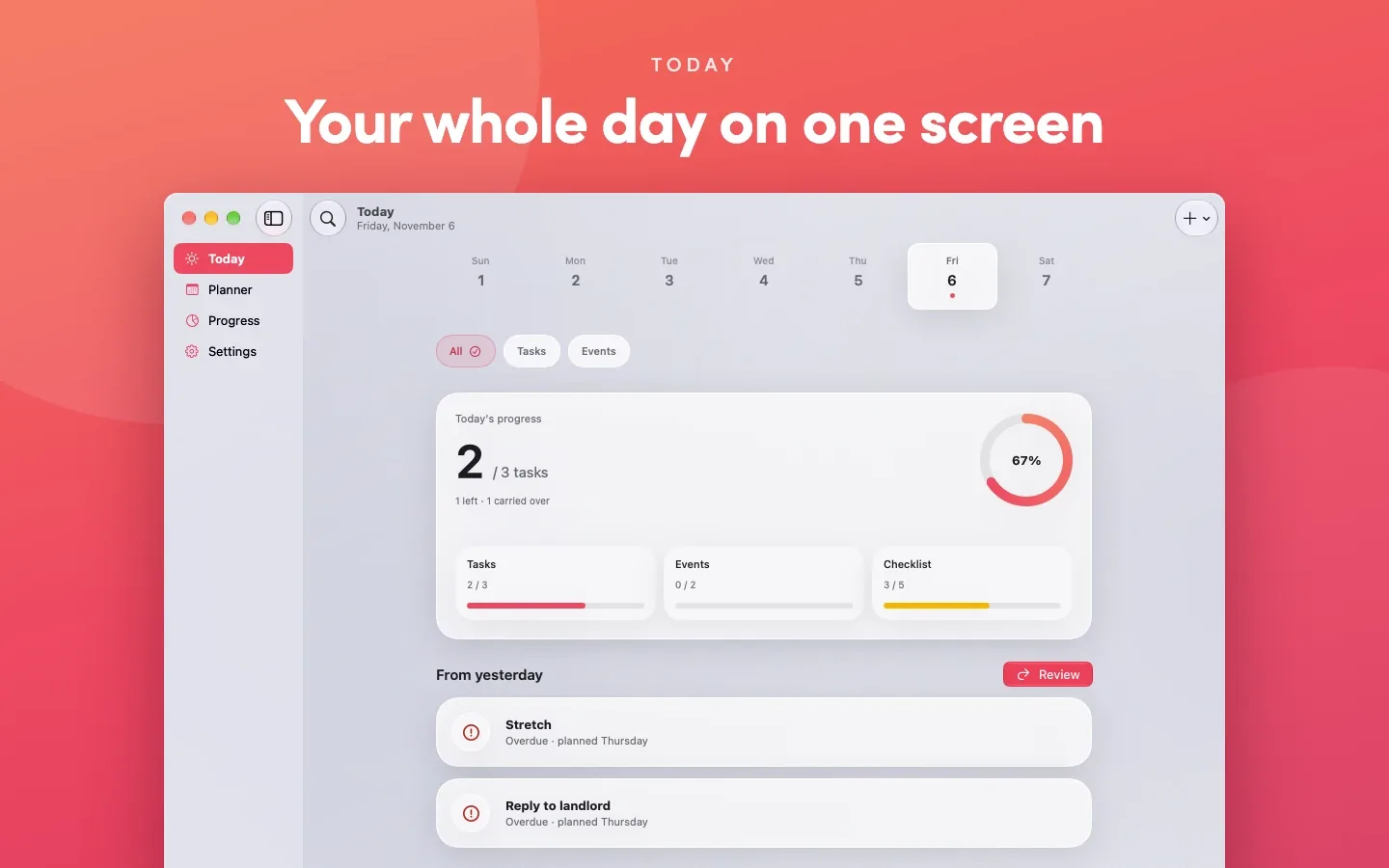
Your whole day on one screen
See what's scheduled, what's left to do, what's overdue, and what you didn't finish yesterday, all on one screen. A countdown shows how long until your next event starts, or until the one you're in ends.
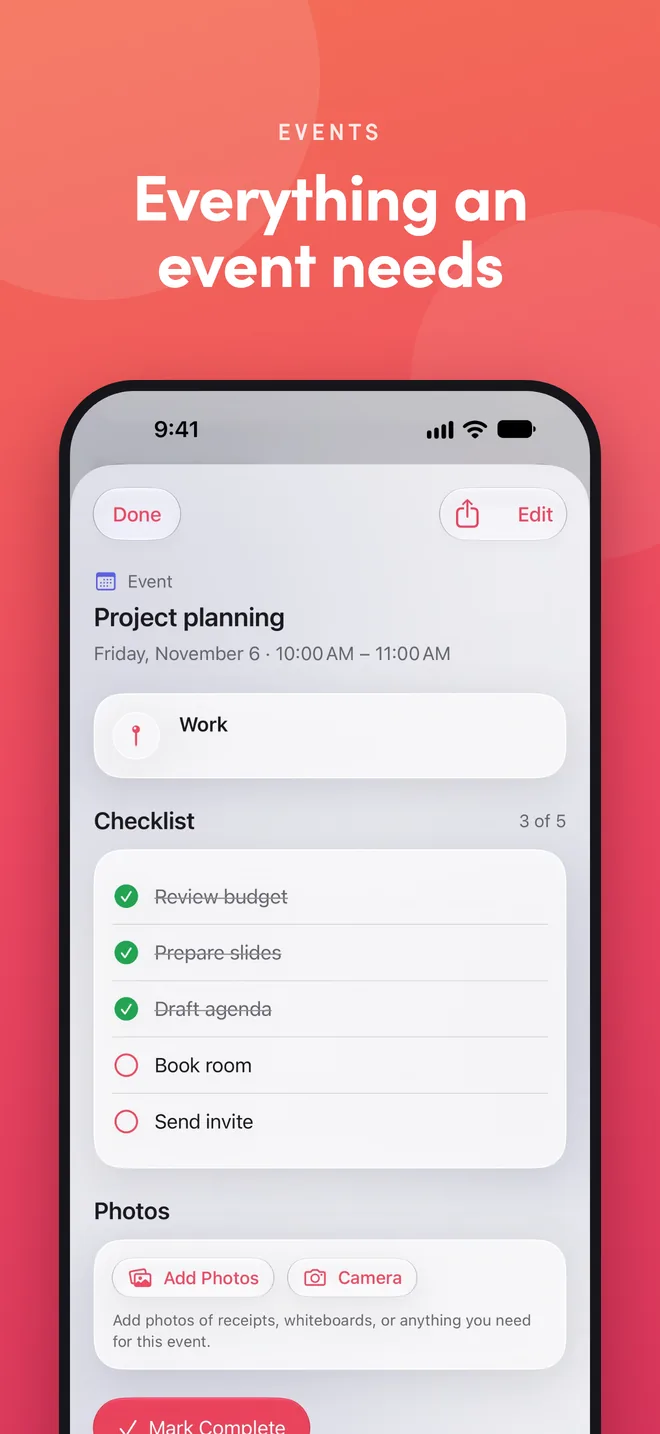
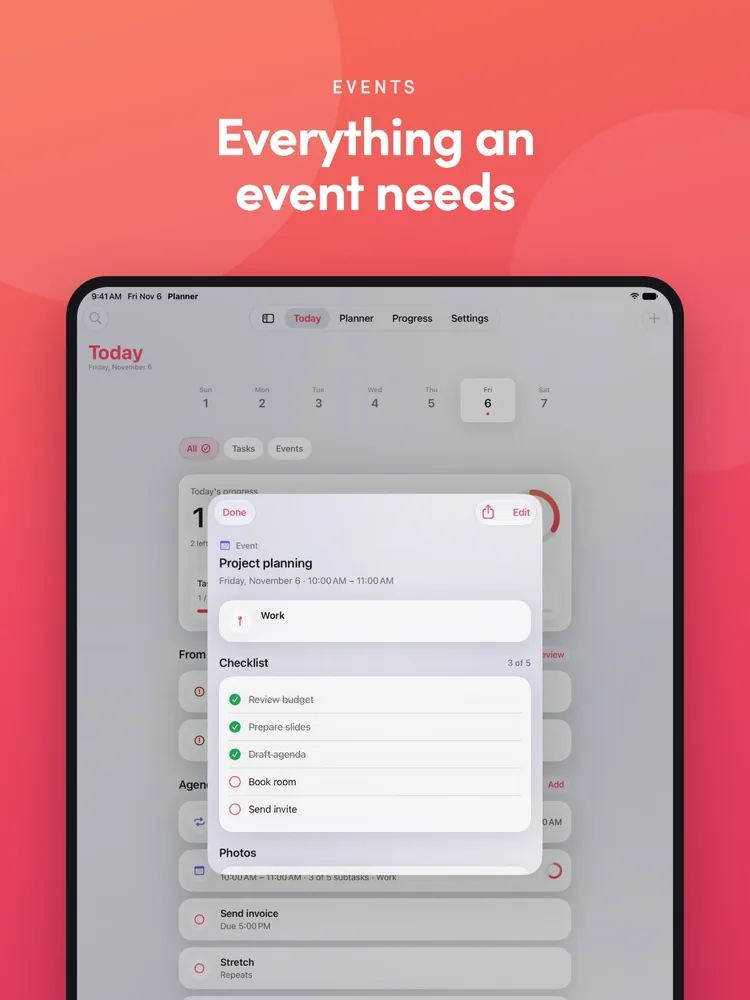
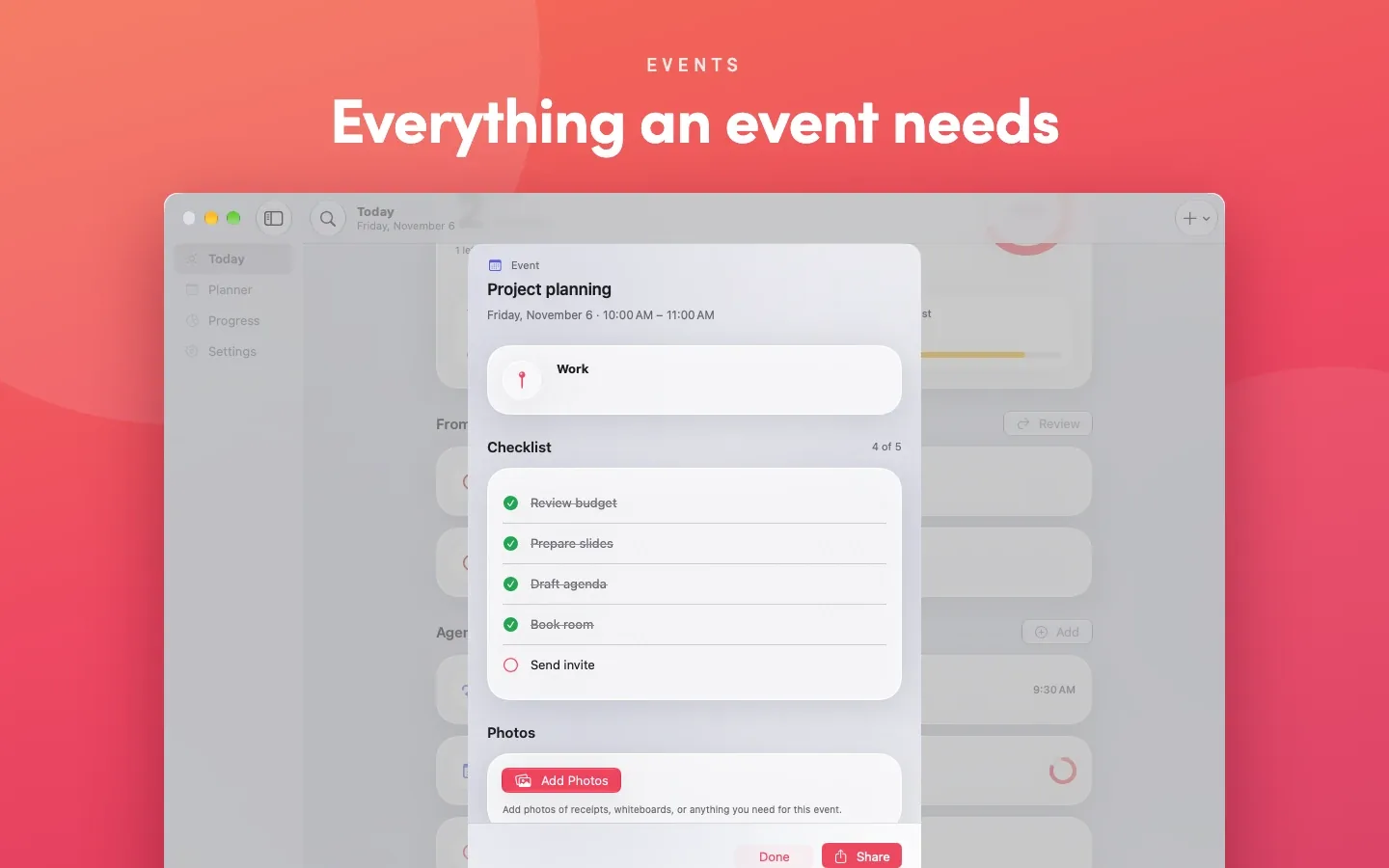
Everything an event needs
Start and end times or all day, a checklist so you know what to prepare, photos with captions, and a location with directions and one tap to Maps.
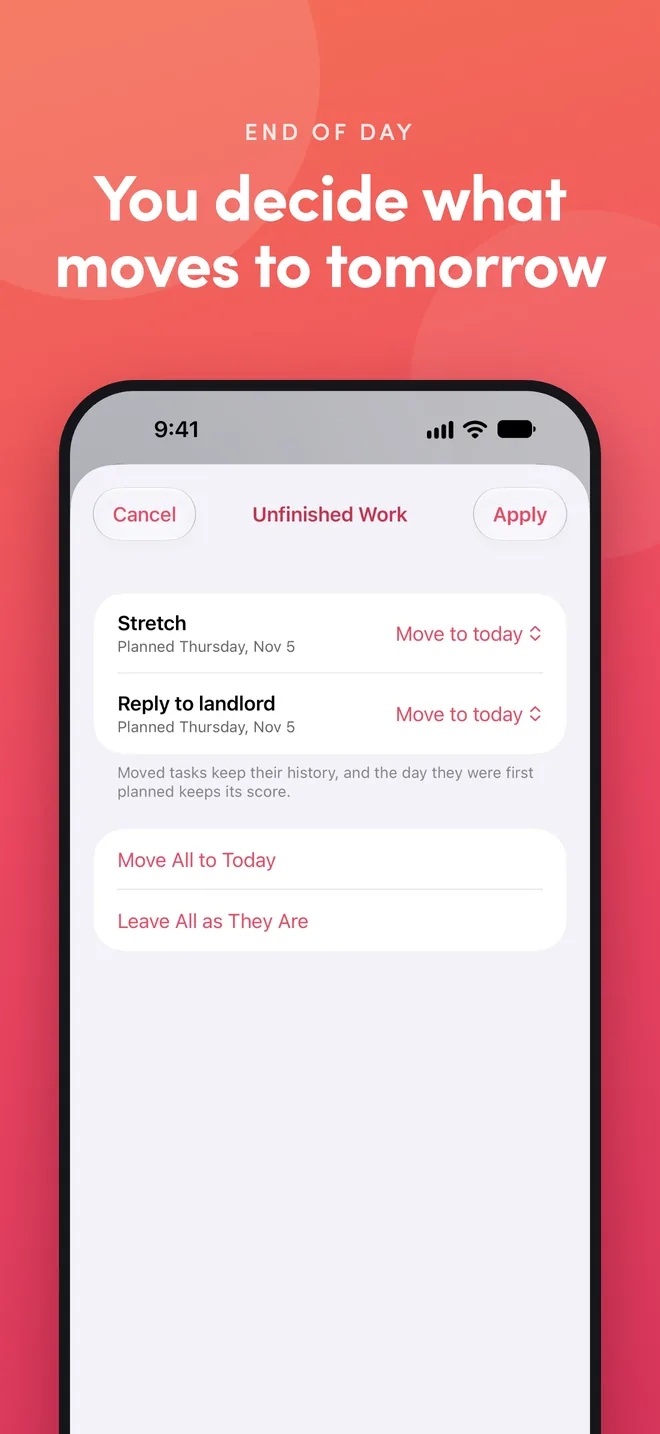
You decide what moves to tomorrow
At the end of the day, review unfinished tasks and choose what moves to tomorrow. Nothing moves without asking you.
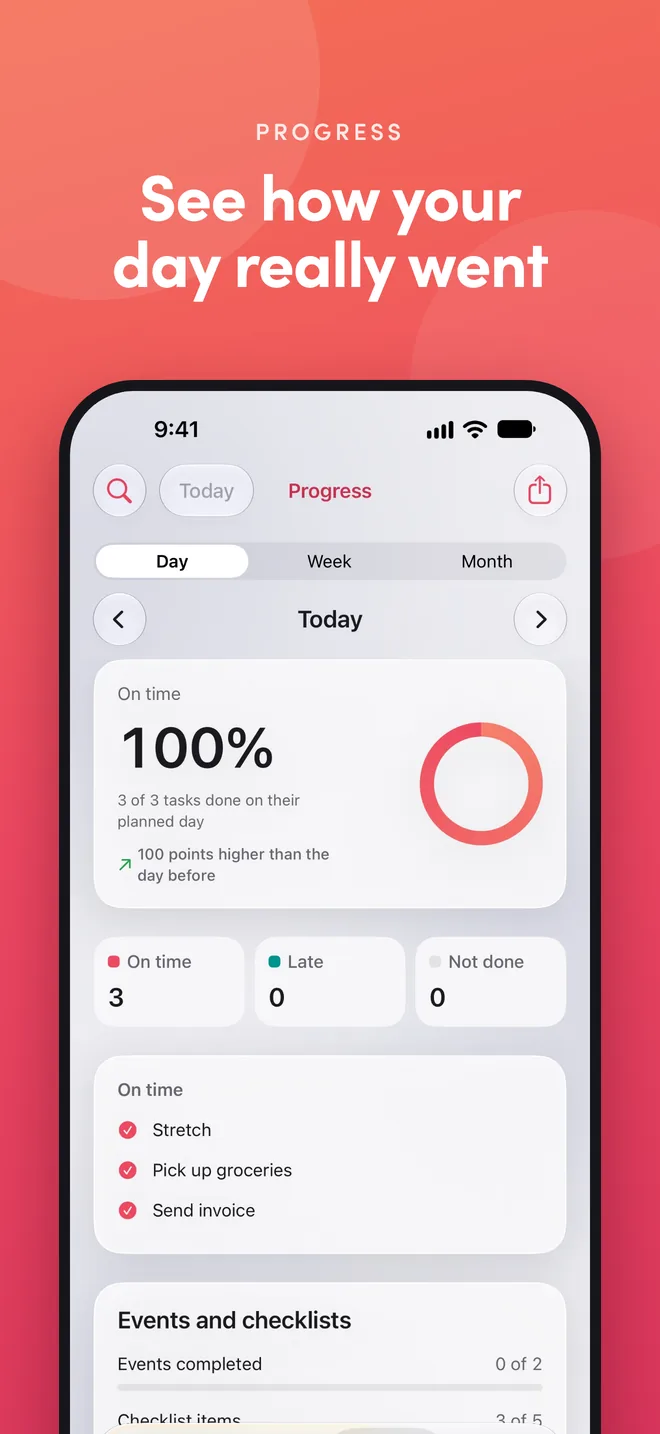
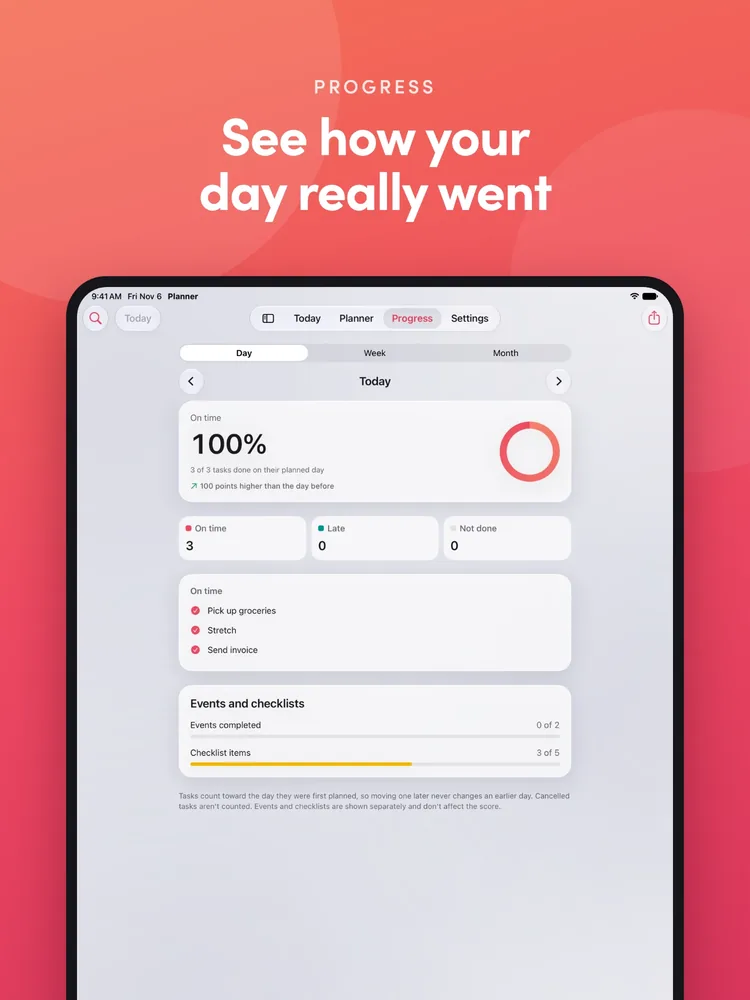
See how your day really went
Daily, weekly, and monthly completion rates, with on-time and late work counted separately. Moving a task never rewrites how an earlier day went.
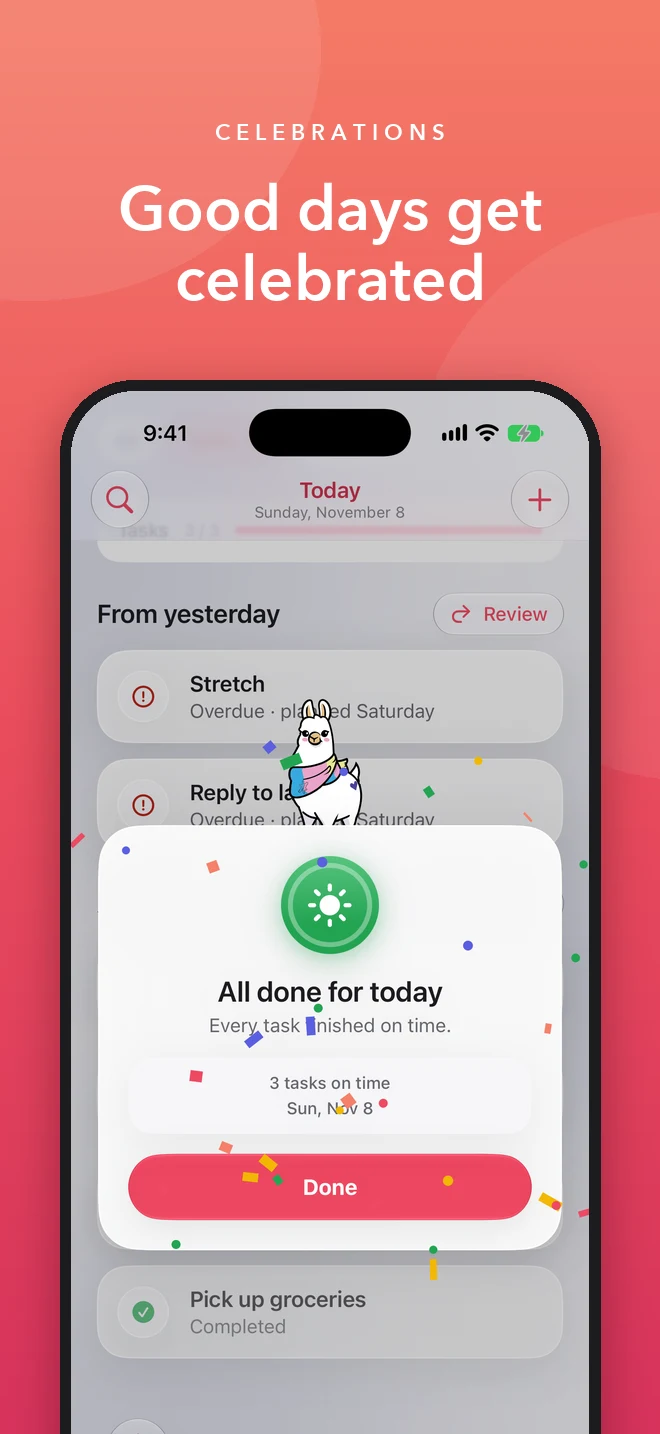
Good days get celebrated
Finish your first task, or every task in a day, a week, or a month, and Planner celebrates with confetti, a soft chime, and a little haptic tap. Each win earns a badge on the Progress screen, next to your streak of perfect days. Tap a badge to replay it, and share a perfect month with a friend.
Celebrations, sound, and haptics can each be turned off in Settings.
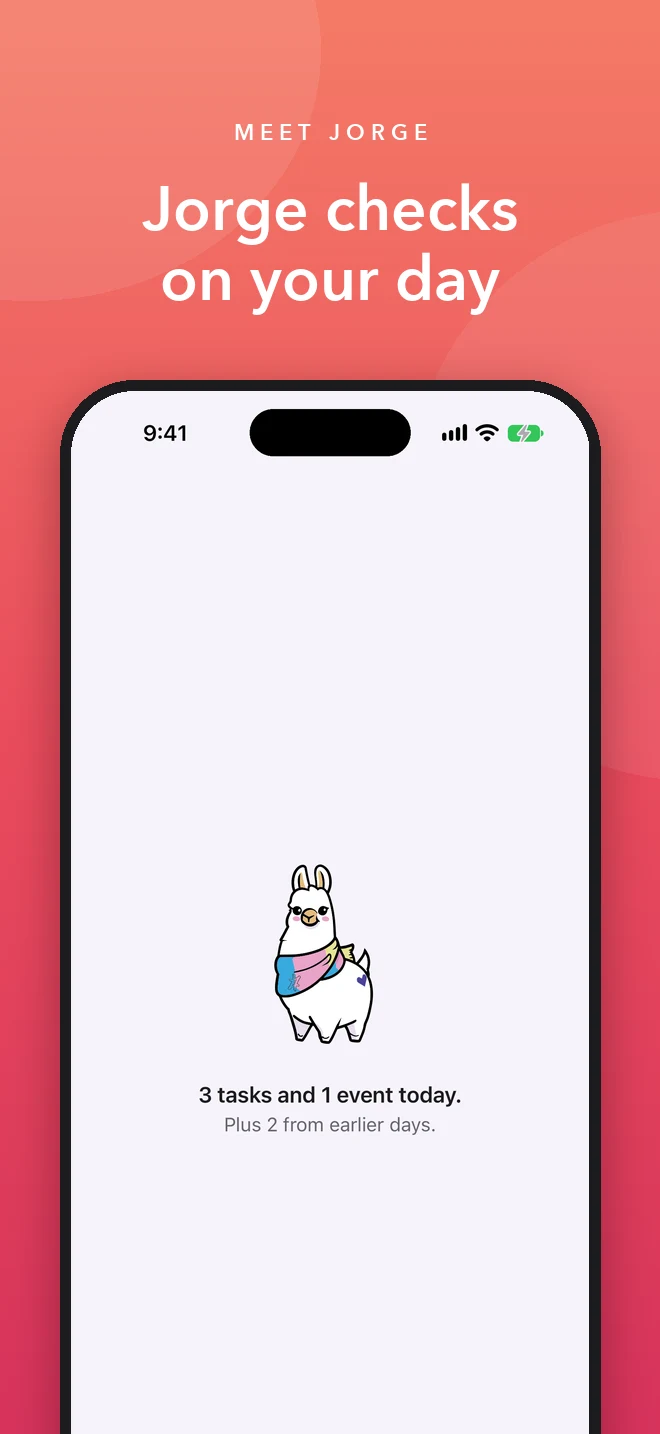
Meet Jorge the Llama
Jorge the Llama says hello the first time you open Planner, trots in place while the app checks on your day, then turns to tell you what's ahead: "4 tasks and 1 event today." He drops by for your celebrations too, and a perfect month gets his sunglasses.
Rather go straight to Today? Turn off Jorge on launch in Settings.
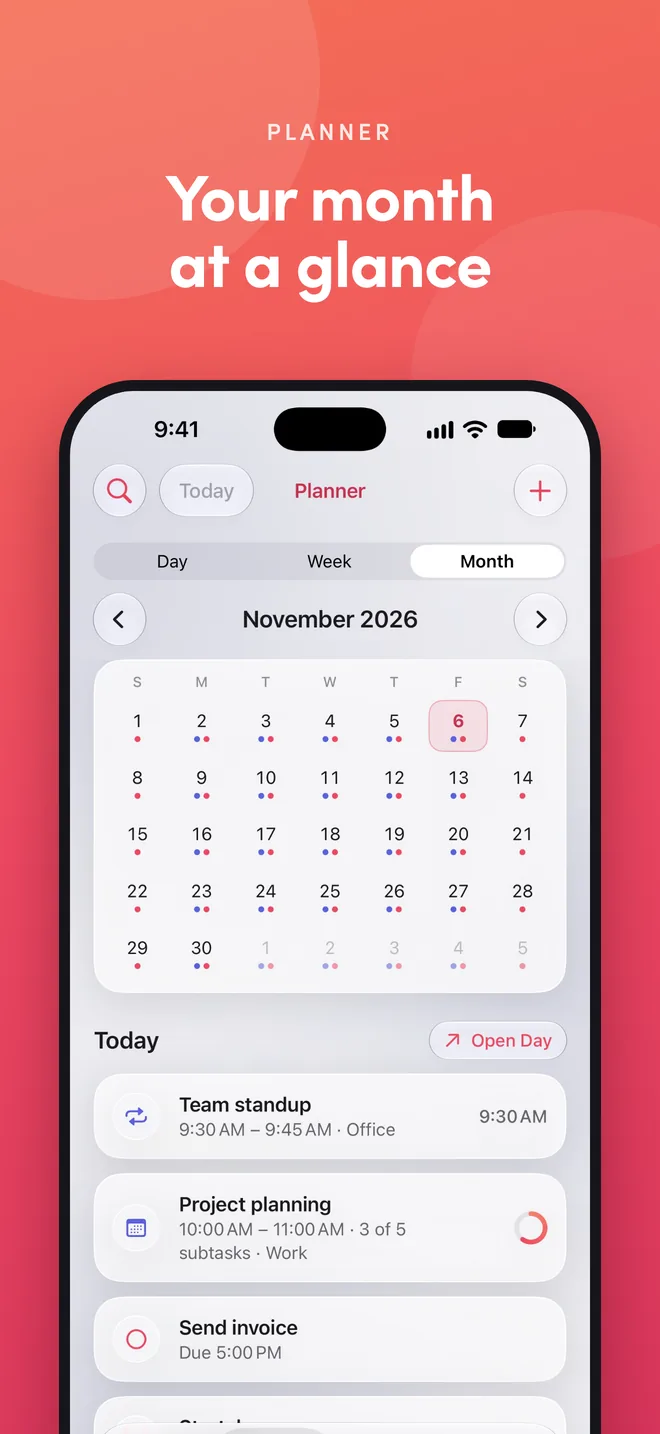
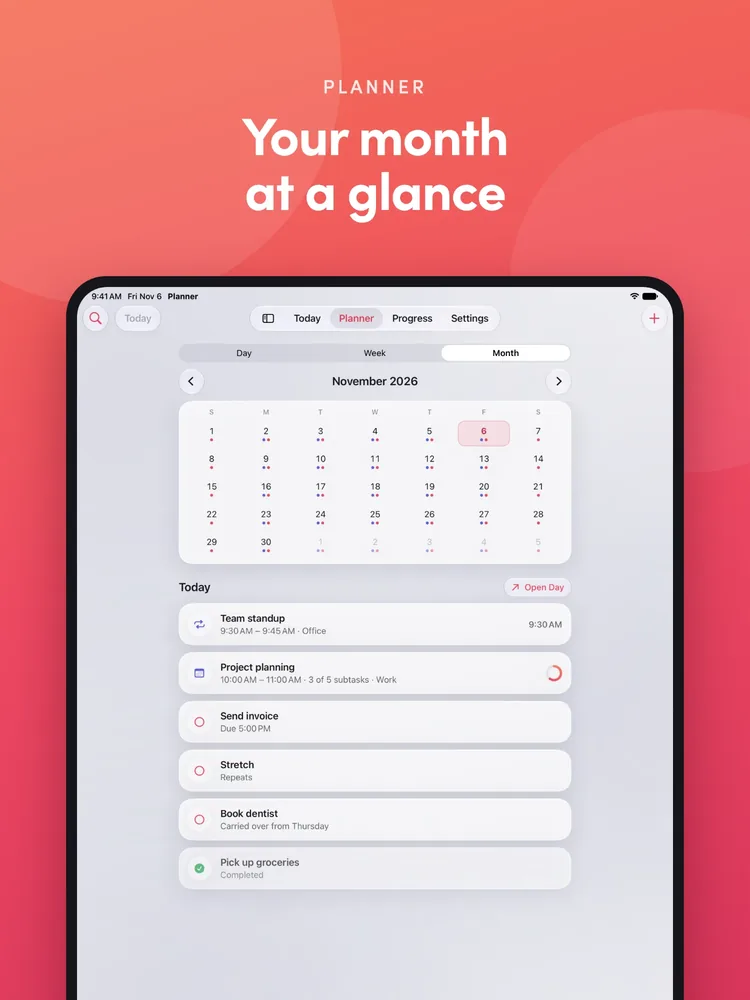
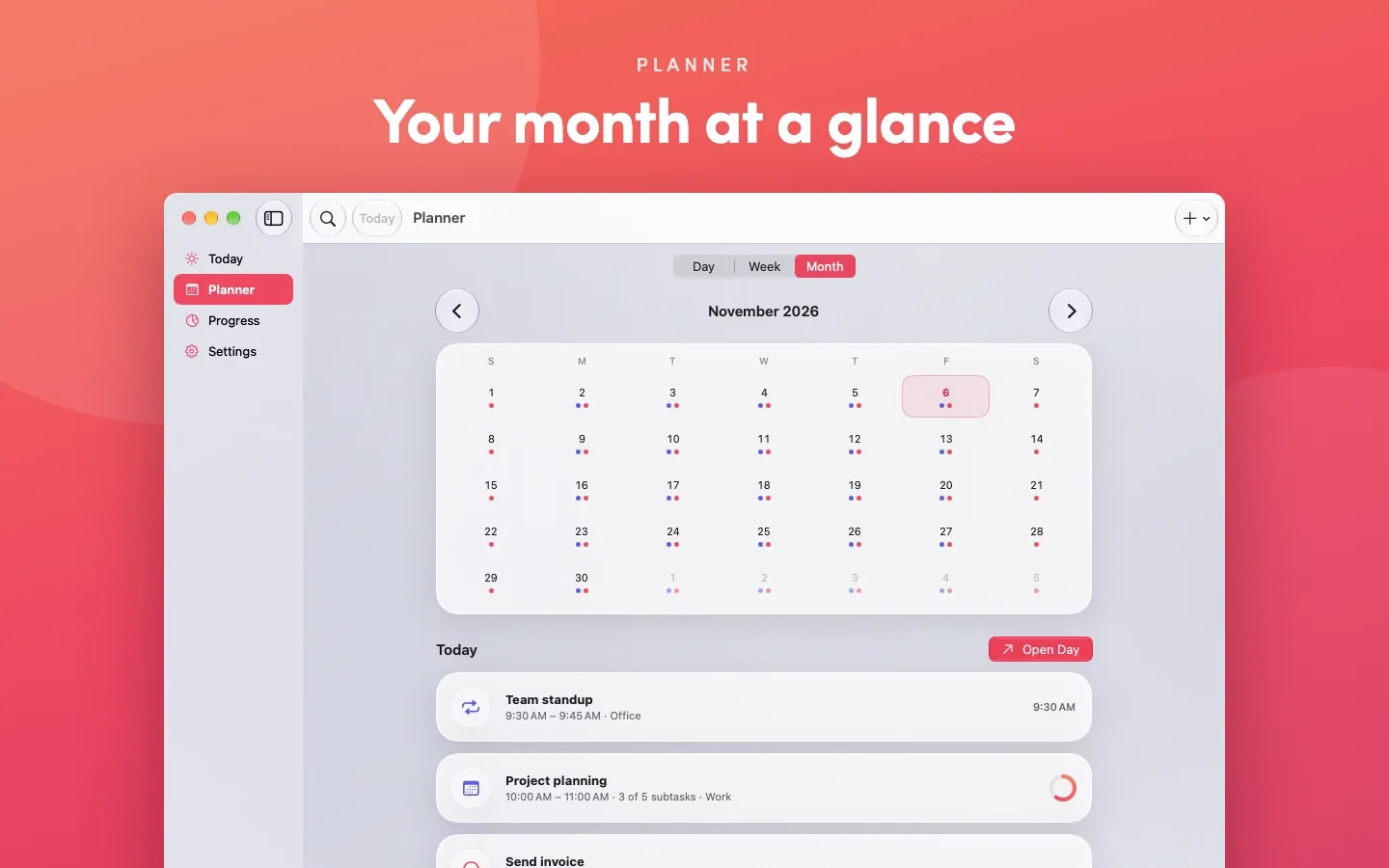
Your month at a glance
Plan ahead with a month view of your events and to-dos, and repeat them daily, on weekdays, weekly, every two weeks, or monthly.
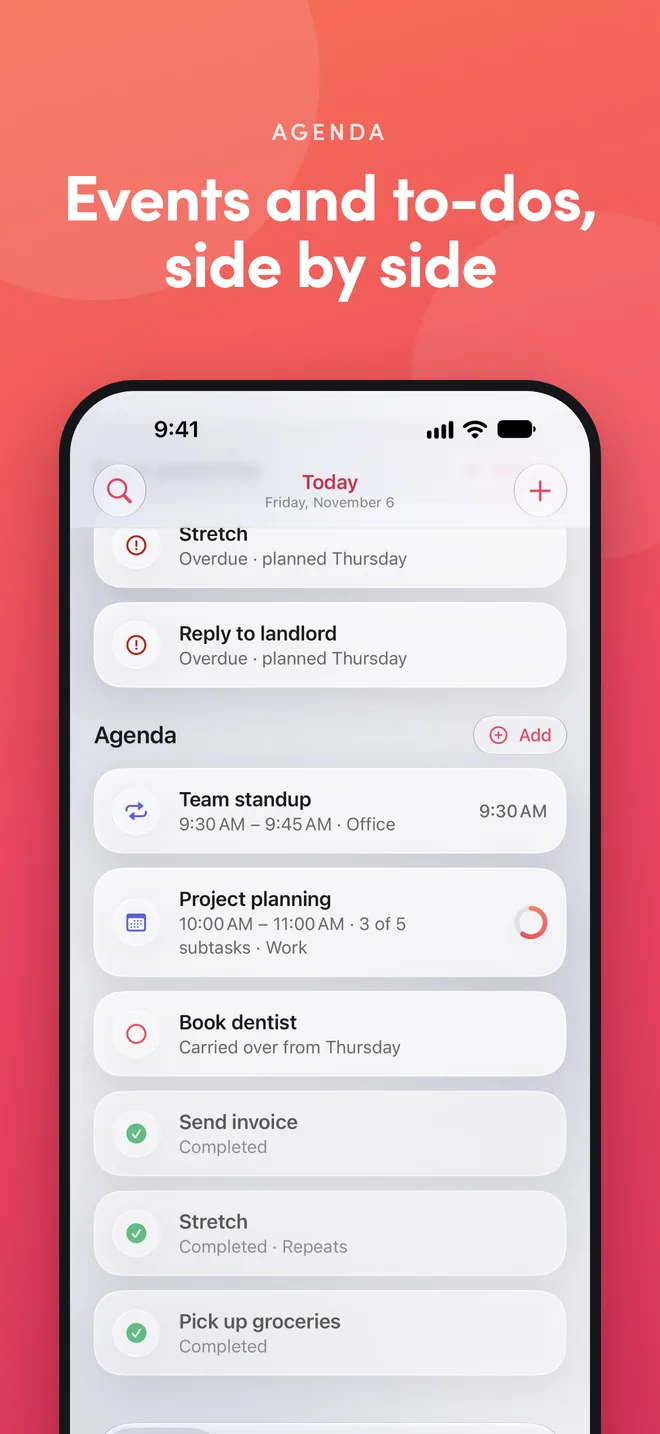
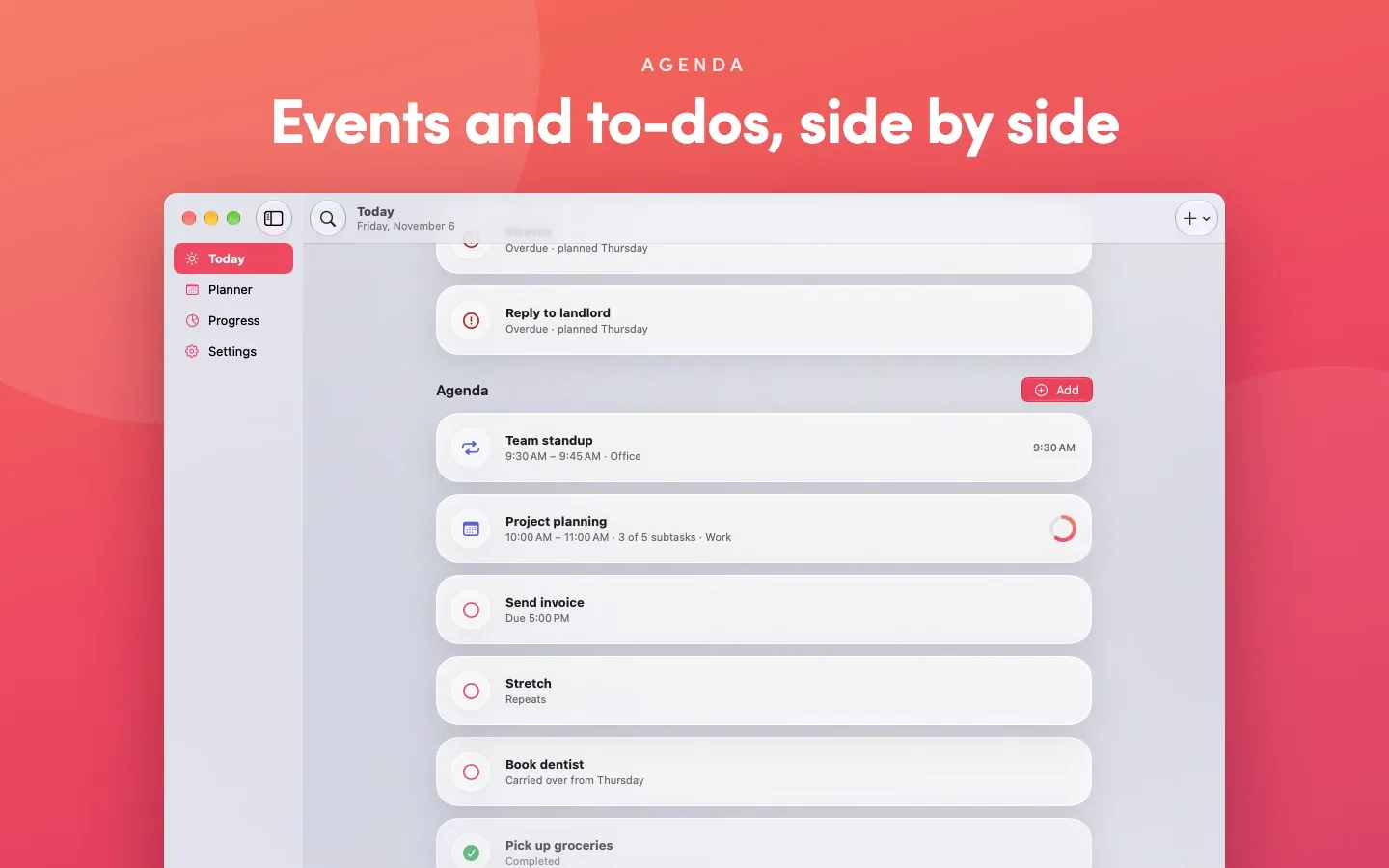
Events and to-dos, side by side
The agenda puts your events and tasks in one list, so you always know what's next. Add items, mark them done, or ask Siri what's left today. Running late? Ask Siri to move an event, and it keeps the same length.
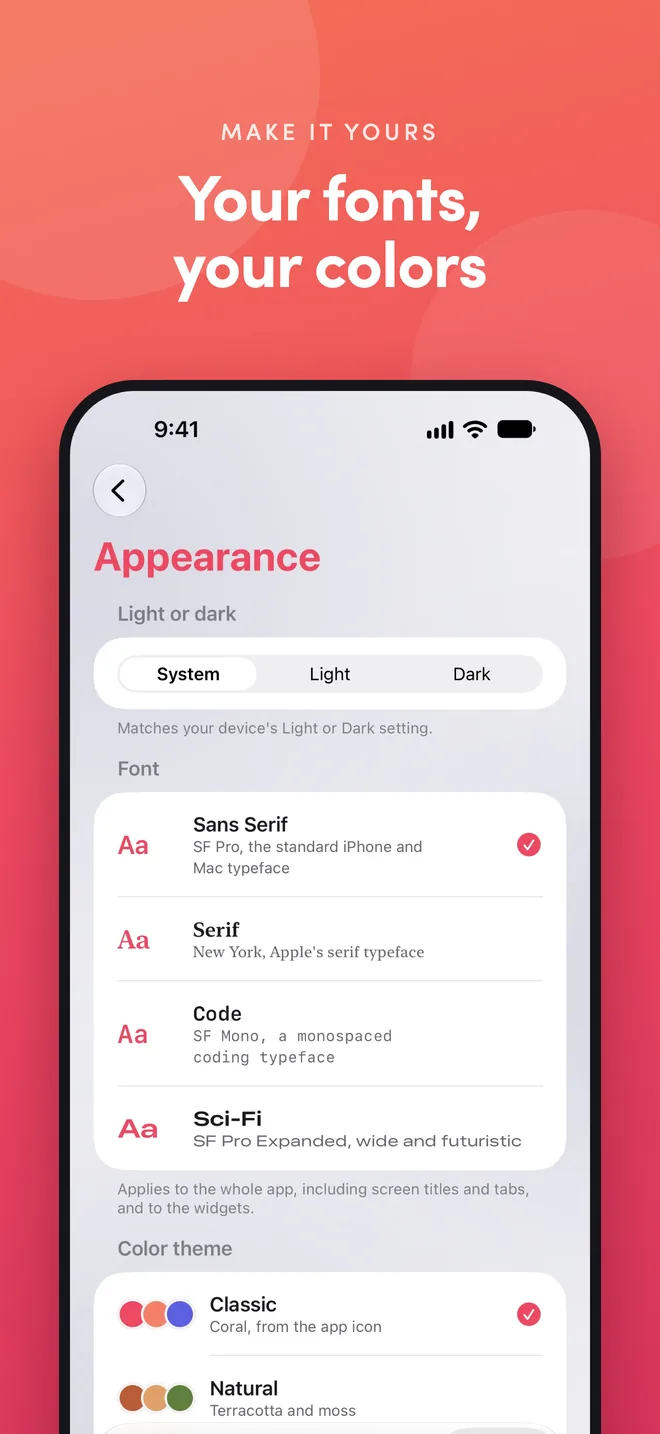
Your fonts, your colors
Choose a theme, a font style, and a background photo. On iPhone, the app icon changes to match your theme. Lock the app with Face ID, Touch ID, or your passcode. No sign-up, no ads, and no data collected by us.
Room to plan on iPad
On iPad, Today, Planner, Progress, and Settings sit in one tab bar at the top, with your whole day, your month, and your progress laid out on the bigger screen. Open an event and its checklist floats over your day, so you never lose your place.
At home on your Mac
The Mac app gives Today, Planner, Progress, and Settings their own sidebar, with Desktop and Notification Center widgets, ⌘F search, and Touch ID lock. Everything syncs with your iPhone and iPad through your own iCloud.
Requires iOS 26, iPadOS 26, or macOS 26. The Apple Watch app requires watchOS 26.